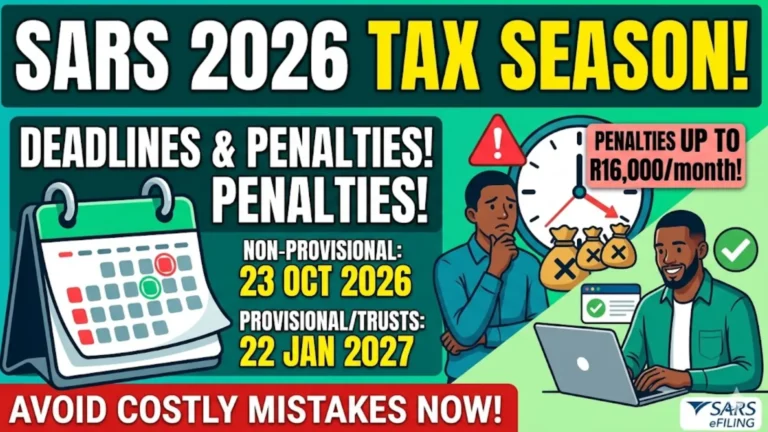
How to Check Sars 2026 Return Submission Deadlines
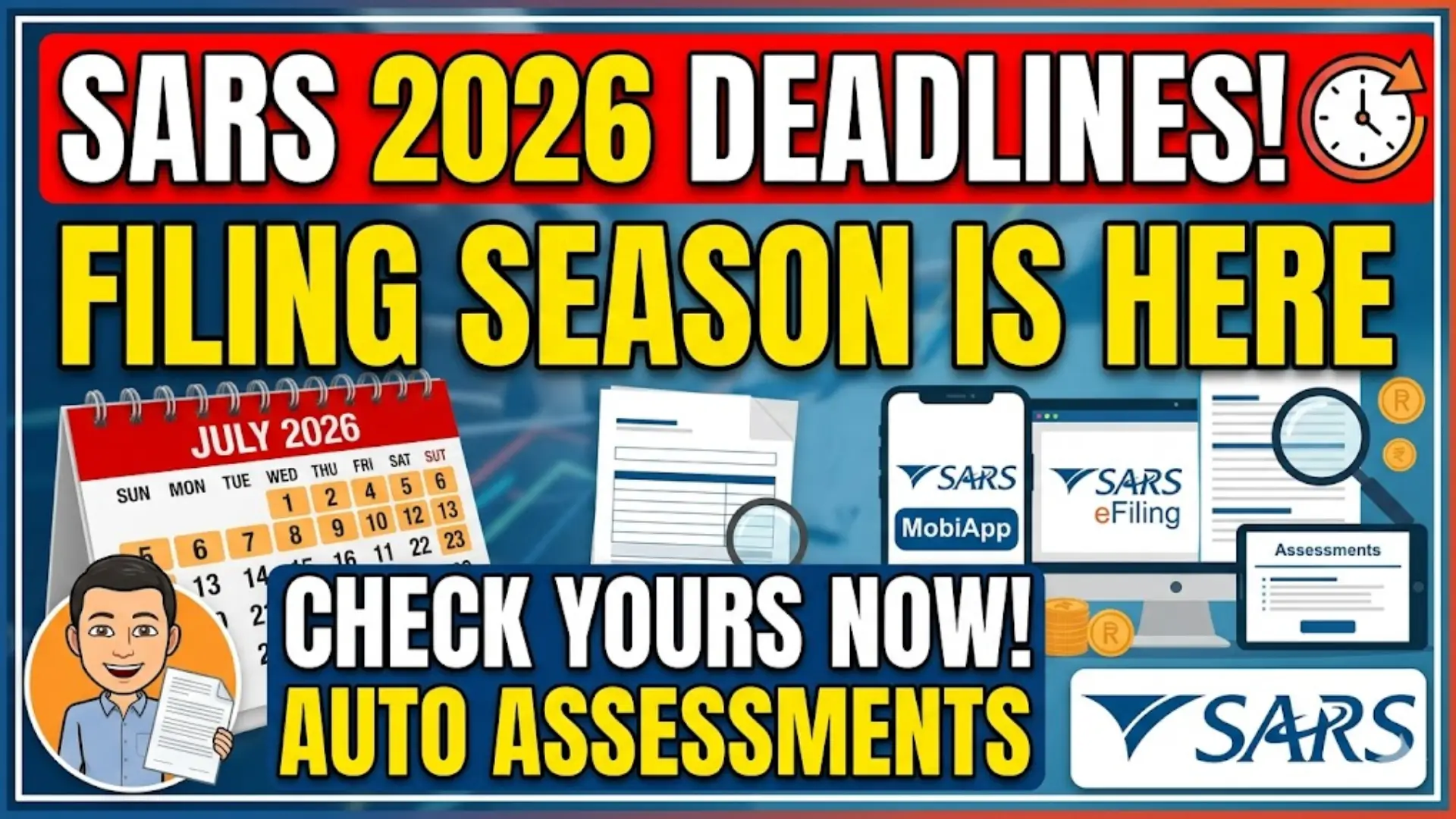
The South African Revenue Service (SARS) has officially announced the 2026 tax filing season dates, giving taxpayers enough time to prepare and submit their returns correctly. Knowing the correct deadline is important because late submissions can lead to penalties, interest charges, and unnecessary delays in processing refunds.
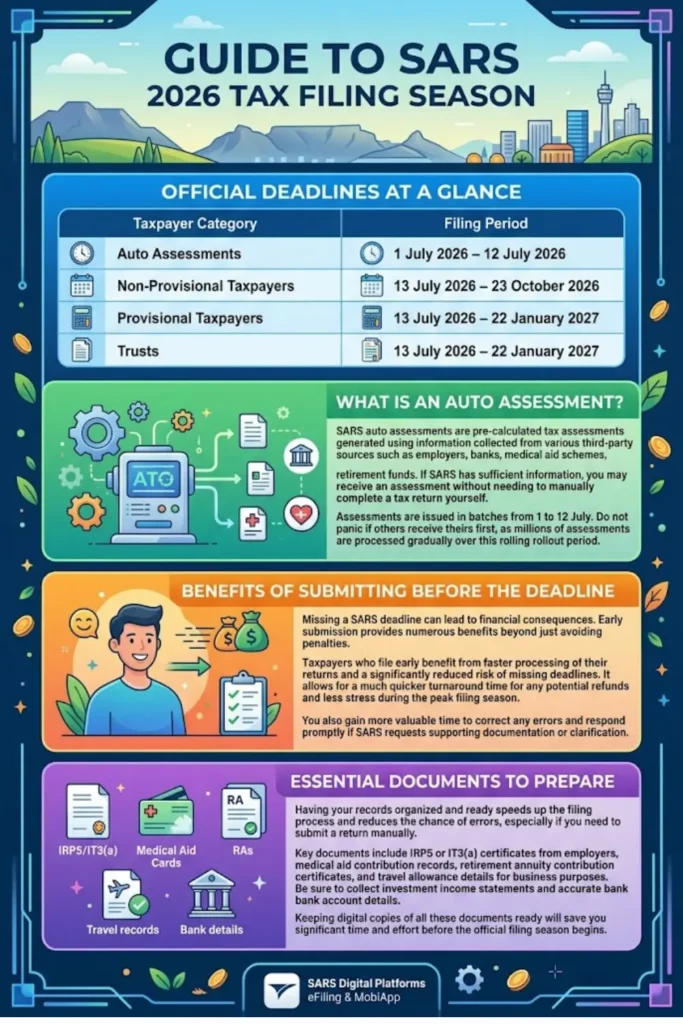
Many taxpayers are now using SARS digital platforms such as eFiling, the SARS MobiApp, and Auto Assessments. However, each taxpayer category has a different filing deadline, which makes it essential to verify your specific submission period before filing.
SARS 2026 Tax Filing Deadlines at a Glance
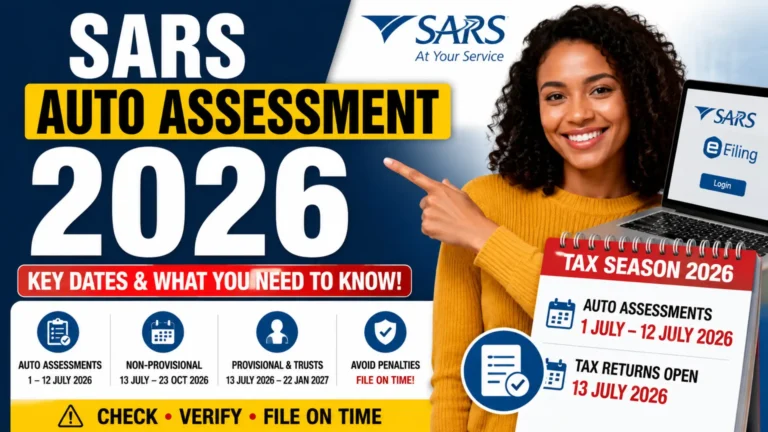
The following table outlines the official SARS 2026 return submission deadlines:
| Taxpayer Category | Filing Period |
|---|---|
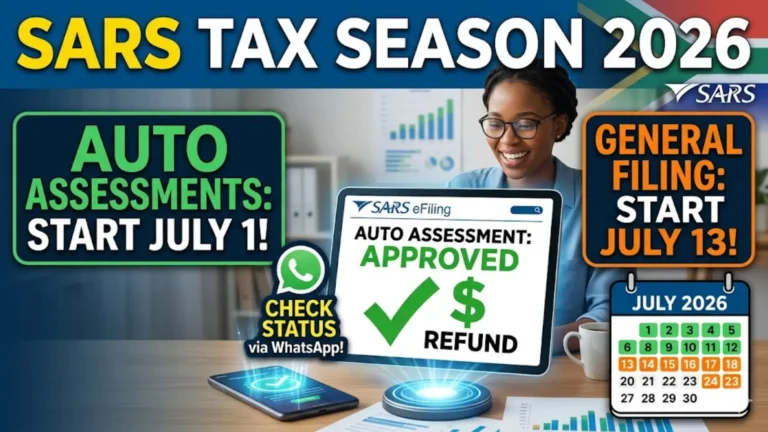
| Auto Assessments | 1 July 2026 – 12 July 2026 |
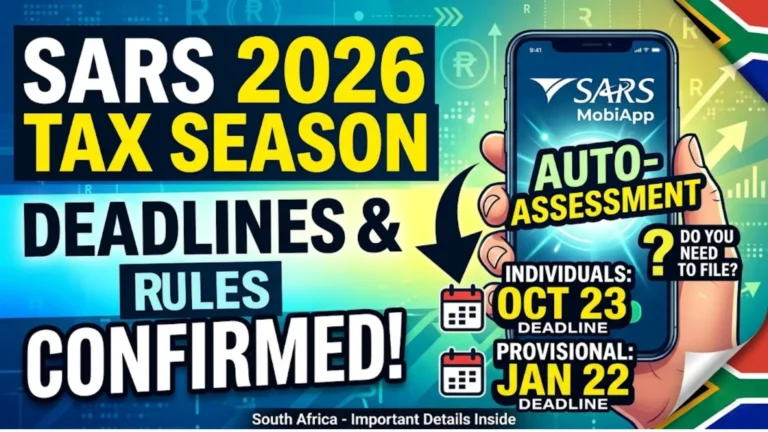
| Non-Provisional Taxpayers | 13 July 2026 – 23 October 2026 |
| Provisional Taxpayers | 13 July 2026 – 22 January 2027 |
| Trusts | 13 July 2026 – 22 January 2027 |
Always identify your taxpayer category first to ensure you follow the correct submission timeline.
What Is a SARS Auto Assessment?
A SARS Auto Assessment is a pre-calculated tax assessment generated using information collected from employers, banks, medical aid schemes, retirement funds, and other third-party sources. If SARS has sufficient information, taxpayers may receive an automatic assessment without needing to manually complete a tax return.
You can also read: SASSA SRD Status Declined
Auto Assessments are issued in batches between 1 July and 12 July 2026. SARS has advised taxpayers not to panic if someone else receives an assessment before they do, as millions of assessments are processed gradually throughout the rollout period.
How to Check Your SARS 2026 Submission Deadline
The easiest way to check your filing deadline is through SARS digital channels. Your taxpayer profile and filing obligations will usually indicate whether you have received an Auto Assessment or need to submit a return manually.
You can check your status through:
- SARS eFiling
- SARS MobiApp
- Official SARS SMS notifications
- SARS email communications
- SARS contact centre support
Always use official SARS communication channels to avoid scams and misinformation.
How to Check Your Filing Status on SARS eFiling
SARS eFiling remains the most reliable platform for monitoring your tax obligations and deadlines. Once logged in, taxpayers can view assessments, notifications, filing requirements, and outstanding submissions.
Follow these steps:
- Log into your SARS eFiling account.
- Navigate to “Returns Issued.”
- Check for any Auto Assessment notifications.
- Review your filing obligations.
- Confirm your submission deadline.
- Submit any required returns before the due date.
Checking your account regularly helps prevent missed deadlines.
How to Verify Your Deadline Using the SARS MobiApp
The SARS MobiApp offers many of the same services available on eFiling and is useful for taxpayers who prefer mobile access. The app allows users to view notices, track returns, and monitor assessments directly from their smartphones.
After signing in, taxpayers can access their tax profile and review any alerts related to filing season. This provides a convenient way to stay informed without needing a desktop computer.
Why It Is Important to Submit Before the Deadline
Missing a SARS submission deadline can have financial consequences. Even taxpayers who expect refunds should avoid waiting until the last minute because system delays and document issues can occur during peak filing periods.
Submitting early provides several advantages:
- Faster processing of tax returns
- Reduced risk of penalties
- More time to correct errors
- Better refund turnaround times
- Less stress during filing season
Early filing also allows taxpayers to respond quickly if SARS requests additional information.
You can also read: Sars Auto Assessment 2026 Dates
Documents You Should Prepare Before Filing
Although many taxpayers receive Auto Assessments, some may still need supporting documentation. Having records ready can speed up the filing process and reduce the chance of errors.
Common documents include:
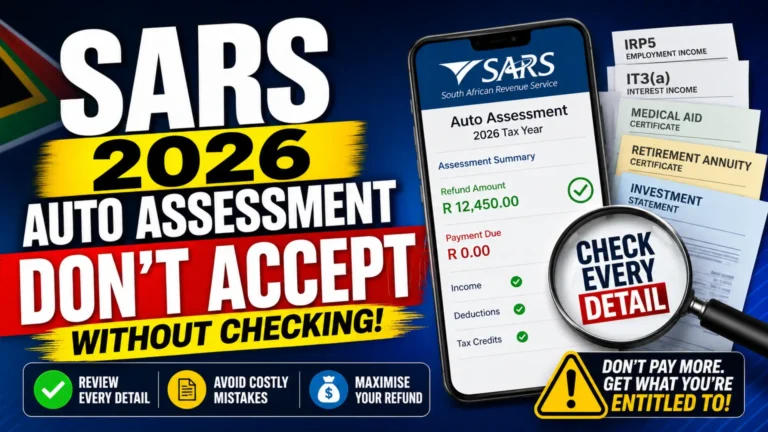
- IRP5 or IT3(a) certificates
- Medical aid certificates
- Retirement annuity contribution records
- Travel allowance documentation
- Investment income statements
- Bank account verification details
Keeping digital copies organized before filing season begins can save significant time.
Common Mistakes That Cause Filing Problems
Many SARS filing issues occur because taxpayers overlook simple details. Small errors can trigger verification requests, delays, or even penalties.
Common mistakes include:
- Using outdated banking information
- Entering incorrect personal details
- Ignoring SARS notifications
- Submitting incomplete returns
- Failing to declare all income sources
- Missing filing deadlines
Reviewing all information carefully before submission can help avoid these problems.
What SARS Expects From Taxpayers in 2026
SARS has emphasized that tax compliance is a shared responsibility between the tax authority and taxpayers. The agency aims to make compliance easier through automation, but taxpayers must still play their part.
SARS expects taxpayers to:
- Keep personal information updated
- Maintain correct banking details
- Respond promptly to SARS communication
- Submit accurate information
- Use eFiling and the MobiApp where possible
- Retain supporting documents
- Remain alert to scams
Following these expectations helps ensure a smoother filing experience.
How to Avoid SARS Scams During Filing Season
Tax season often attracts fraudsters who send fake emails, SMS messages, and phone calls pretending to represent SARS. These scams usually attempt to steal personal information or banking details.
To stay safe:
- Only use official SARS platforms
- Never click suspicious links
- Verify all communications directly through eFiling
- Do not share passwords or PINs
- Confirm refund notifications through official channels
If a message appears suspicious, verify it directly with SARS before taking any action.
Final Thoughts
Understanding how to check SARS 2026 return submission deadlines is essential for a smooth and stress-free tax filing experience. Whether you receive an Auto Assessment or need to submit a return manually, staying informed about your filing category and deadline can help you avoid penalties and processing delays.
You can also read: SASSA Old Age Grant 2026
By regularly checking SARS eFiling or the SARS MobiApp, keeping your information updated, and preparing documents in advance, you can confidently navigate the 2026 filing season and meet all SARS requirements on time.