How to Resolve if SASSA Number is Ninked to Another Applicant
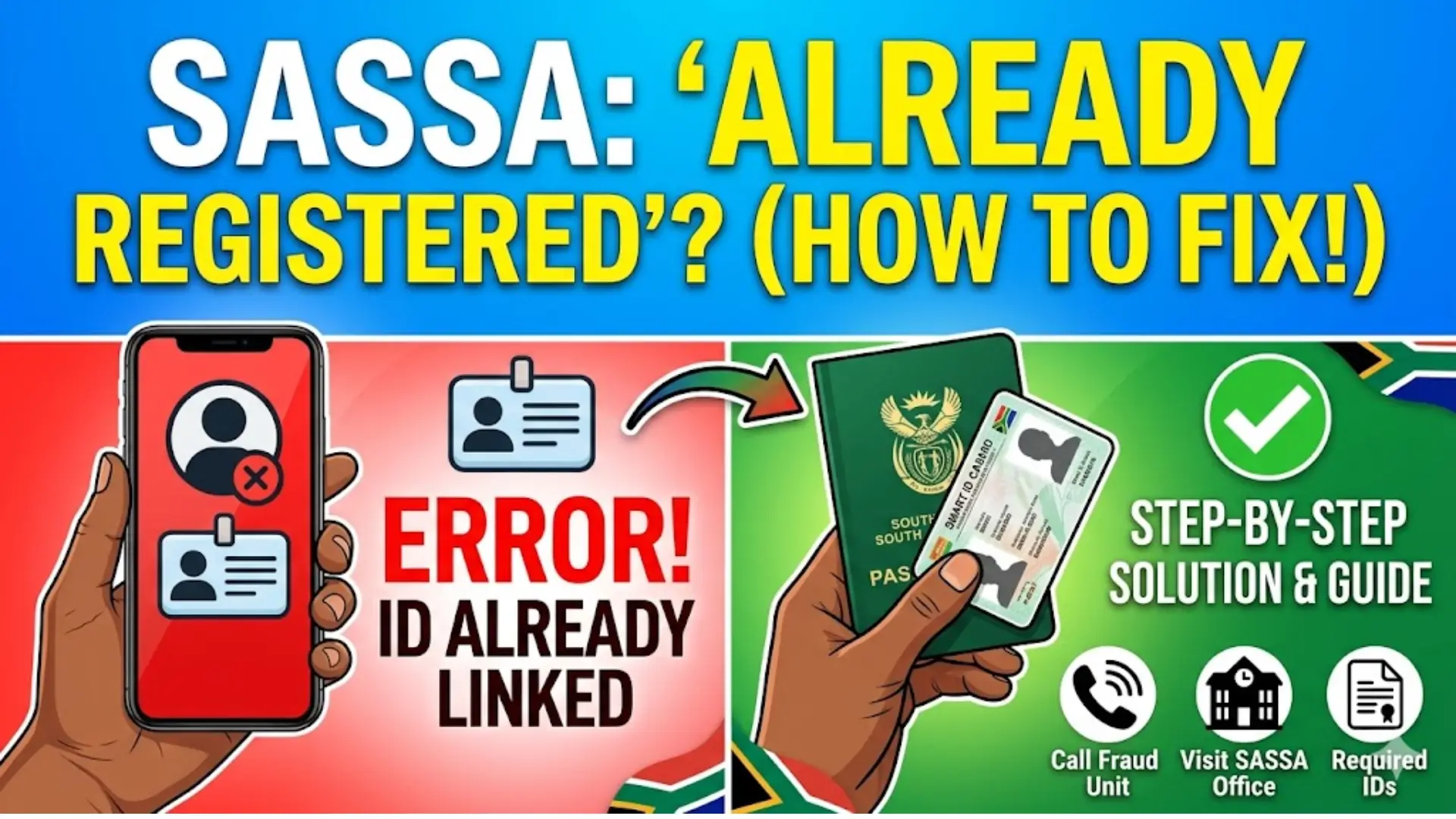
If you try to apply for a SASSA grant and see a message like “Already Registered,” it can be confusing and frustrating especially if you never applied before. This issue usually means your ID number or phone number is already in the system, possibly linked to another application.
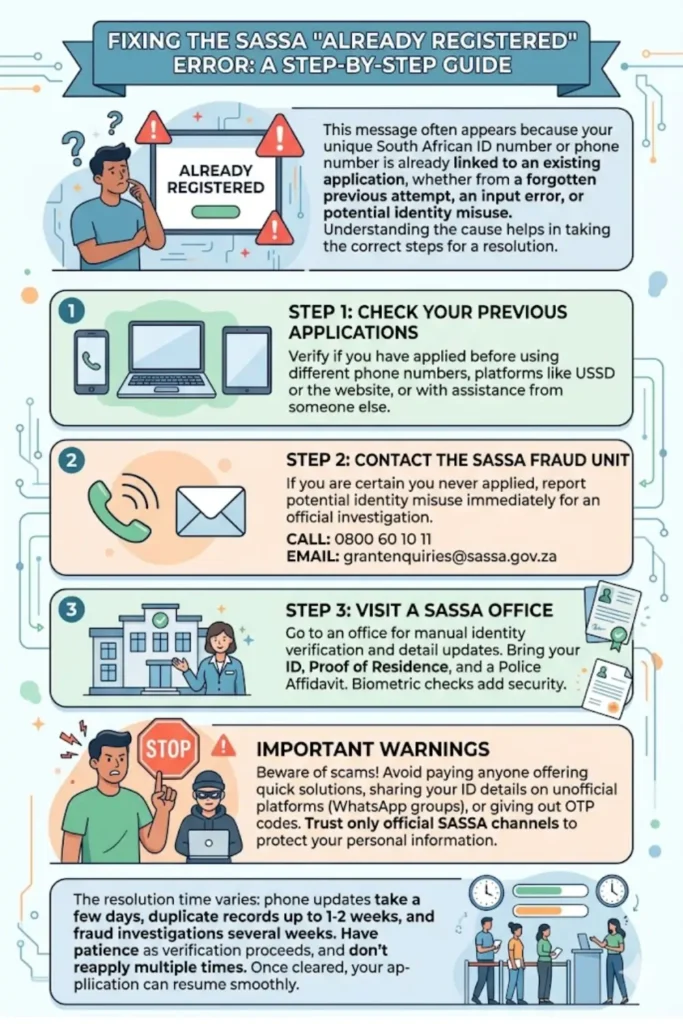
The good news is that this problem can be fixed. You just need to follow the correct steps and avoid repeating actions that won’t solve the issue. This guide explains everything clearly so you can resolve it without stress.
Understanding the “Already Registered” Error
When SASSA shows “Already Registered,” it means your South African ID number already exists in their system. Since each ID is unique, only one application can be linked to it at a time.
This situation can happen for several reasons. Sometimes it’s a simple mistake, and other times it may involve fraud. Understanding the cause helps you fix it faster and avoid delays in your application.
You may notice different error messages depending on the issue. Here’s a quick explanation:
| Error Message | Meaning |
|---|---|
| Already Registered | Your ID was used in a previous application |
| Identity Verification Failed | Your ID details don’t match the system records |
| Mobile Number Already in Use | Your phone number is linked to another account |
| Duplicate Application | The system detected more than one record |
Why Your SASSA Number Is Linked to Another Applicant
There are a few common reasons why this problem occurs. Not all of them mean fraud—sometimes it’s just a small mistake.
One possible reason is that you previously applied using a different phone number or platform. For example, you may have used USSD, a website, or an app and forgotten about it.
Another reason could be someone accidentally entering your ID during their own application. In more serious cases, your ID may have been used without your permission.
Here are the main causes:
- You applied earlier using a different number
- Someone made a typing mistake and entered your ID
- Your ID details were used fraudulently
- Duplicate records exist in the system
You can also read: 2027 Nsfas Application Opening Date
Signs That Your ID or Number Is Misused
You can usually tell something is wrong based on the message you receive when applying or checking your status. These messages are important clues.
If your ID is linked to another account, the system may block your application or show a verification error. This is because it detects conflicting information.
Watch out for these signs:
- You cannot proceed with a new application
- OTP is sent to a number you don’t recognize
- Your application is declined instantly
- You see repeated verification failures
Step-by-Step Guide to Fix the Problem
Fixing this issue requires patience and the right approach. Reapplying multiple times will not solve the problem and may make it worse.
Step 1: Check Your Previous Applications
Before assuming fraud, first confirm whether you applied before. Many people forget earlier attempts.
Think about:
- Did you use a different phone number before?
- Did you apply through USSD or a mobile app?
- Did someone help you apply earlier?
If yes, your issue may just be a duplicate record, which is easier to fix.
Step 2: Contact the SASSA Fraud Unit
If you are sure you never applied, report it immediately. This could be identity misuse.
When contacting the fraud unit:
- Call: 0800 60 10 11 (toll-free)
- Email: grantenquiries@sassa.gov.za
- Clearly explain that your ID is used without your permission
- Request an ID fraud investigation
This step creates an official record and starts the verification process.
Step 3: Visit a SASSA Office
In many cases, visiting a SASSA office is the fastest solution. Staff can check your details directly in the system.
Make sure to bring:
- Your original ID (Smart Card or Green Book)
- Proof of residence
- Police affidavit confirming your identity
At the office, ask them to:
- Check which account your ID is linked to
- Verify your identity manually
- Update your contact details
You can also read: SRD R350 Status Check if Approved
Required Documents for Verification
Having the correct documents is important. Without them, your request may be delayed or rejected.
Here’s what you need:
- South African ID document
- Proof of where you live
- Signed police affidavit
- Any previous application details (if available)
These documents help confirm that you are the rightful owner of the ID.
How Biometric Verification Helps
SASSA now uses biometric verification, including facial recognition, to prevent fraud. This adds an extra layer of security.
When you verify your identity:
- Your face is matched with your ID records
- Any mismatch is flagged automatically
- Fraudulent accounts can be blocked
This system helps protect you if someone else used your ID.
Important Warnings to Keep in Mind
While trying to fix this issue, you may come across people offering quick solutions for money. These are usually scams.
You should only trust official SASSA channels. Sharing your personal details with the wrong person can lead to more problems.
Avoid the following:
- Paying someone to “fix” your SASSA account
- Sharing your ID on WhatsApp groups
- Using unofficial websites or agents
- Giving OTP codes to strangers
How Long It Takes to Resolve
The time required depends on the type of issue. Simple problems are resolved quickly, while fraud cases take longer.
- Phone number updates: a few days
- Duplicate record fixes: up to 1–2 weeks
- Fraud investigations: several weeks
During this time, your application may remain pending or declined until verification is complete.
Final Thoughts
If your SASSA number is linked to another applicant, it can feel stressful but it is a fixable issue. The key is to follow the correct steps instead of repeatedly applying.
You can also read: Sassa May 2026 Payment Dates Check Online
Start by checking your own application history. If needed, report the issue, visit a SASSA office, and provide proper documents. Most importantly, avoid scams and stick to official channels. Once your identity is verified and your record is corrected, you can continue your application smoothly.