Sassa Elife Certification Glitches Guide to Fix Issues Through the Portal
The South African Social Security Agency (Sassa) introduced the eLife Certification system to improve security and reduce fraud in social grant payments. While the intention behind this digital verification process is clear, many beneficiaries have experienced serious technical problems when trying to complete the process online.
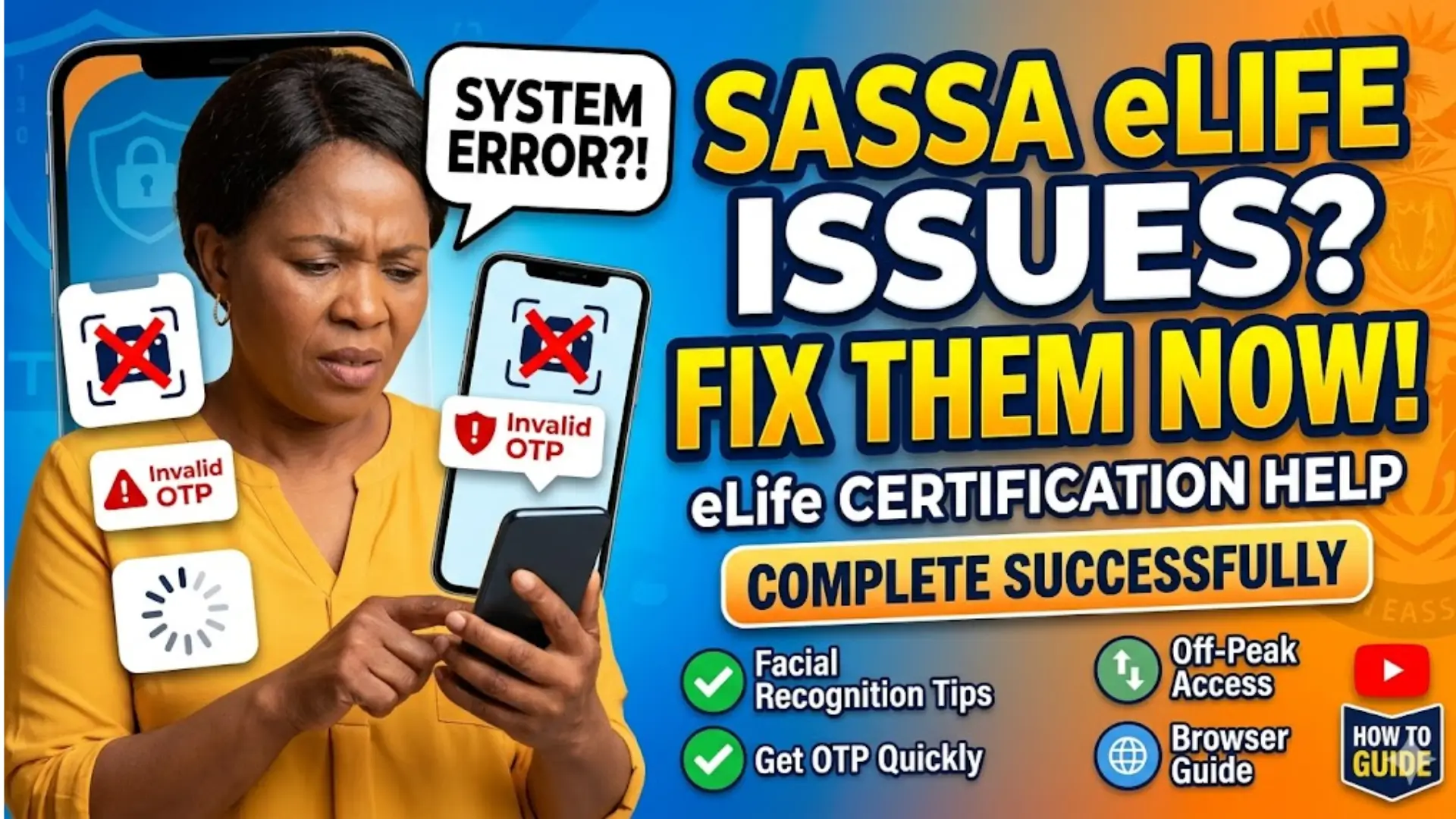
Across South Africa, users have reported issues such as failed facial recognition, incorrect one-time pins (OTPs), and systems that simply do not load. These challenges have created frustration, especially among elderly beneficiaries who depend on timely grant payments. This guide explains the common problems and provides practical solutions to help users complete their eLife Certification successfully.
What is Sassa eLife Certification?
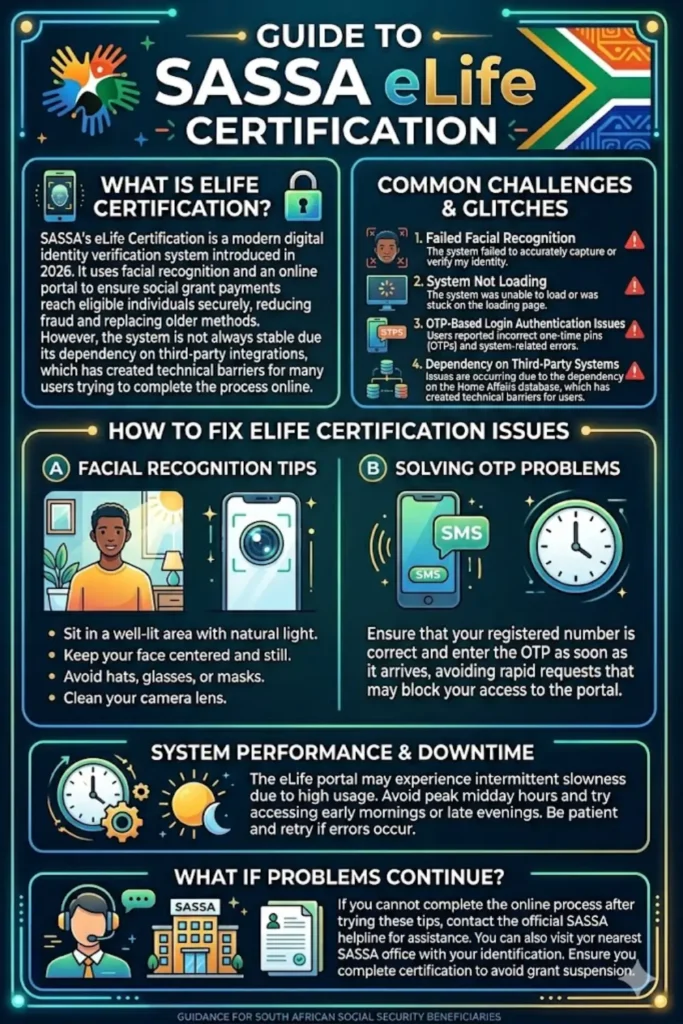
Sassa’s eLife Certification is a digital identity verification system launched on March 30, 2026. It requires beneficiaries to confirm their identity through an online portal using facial recognition and personal details. This system replaces traditional in-person verification methods.
The goal is to ensure that only eligible individuals receive social grants. However, the reliance on digital tools has created barriers for users who are not familiar with technology or who face system-related errors.
Key features of eLife Certification:
- Online identity verification through facial recognition
- OTP-based login authentication
- Integration with Department of Home Affairs records
- Mandatory completion to continue receiving grants
You can also read: R3 Million Primary Residence Exclusion
Common Issues Faced by Beneficiaries
Many users have shared similar complaints about the portal not functioning properly. These issues have made it difficult, and sometimes impossible, to complete the certification process.
The most frequently reported problems include system errors, delays, and verification failures. Even when users follow all instructions correctly, the portal may still fail.
Main issues reported:
- Facial recognition not capturing or verifying correctly
- OTPs being marked as invalid
- Portal stuck on loading screen
- System downtime during peak hours
- Failure to connect with Home Affairs database
- Difficulty for users with green ID books
Why These Glitches Are Happening
Sassa has acknowledged that the system is not always stable. The portal depends on multiple external systems, which can cause interruptions when one part fails.
Another challenge is outdated identification documents. Beneficiaries using green ID books may face compatibility issues because the system is better optimized for smart ID cards.
Reasons behind the glitches:
- Dependency on third-party systems like Home Affairs
- High traffic on the portal causing slow performance
- Technical limitations in facial recognition software
- Network or server downtime
- Outdated user identification records
How to Fix eLife Certification Issues
Although the system has flaws, there are several steps users can take to improve their chances of completing the certification successfully. Following these tips can reduce errors and save time.
Start by ensuring that your device and internet connection are stable. Many issues arise from poor connectivity or incompatible devices.
Steps to resolve common problems:
- Use a strong and stable internet connection
- Try accessing the portal during non-peak hours (early morning or late evening)
- Ensure your camera is clean and well-lit for facial recognition
- Enter OTPs immediately after receiving them
- Clear browser cache or switch to a different browser
- Update your personal details if they are outdated
Troubleshooting Facial Recognition Problems
Facial recognition is one of the most critical parts of the process, yet it is also the most problematic. Many users report repeated failures even after multiple attempts.
Lighting, camera quality, and positioning play a major role in successful verification. Small adjustments can make a big difference.
Tips for successful facial recognition:
- Sit in a well-lit area with natural light
- Keep your face centered and clearly visible
- Avoid wearing hats, glasses, or masks
- Hold the device steady during capture
- Ensure your camera lens is clean
You can also read: SRD SASSA Gov Za SC19 Application Mobile Online
Fixing OTP and Login Issues
OTP errors are another common frustration. Users often receive codes that are rejected by the system, preventing them from logging in.
This can happen due to delays in message delivery or system synchronization issues. Acting quickly and ensuring correct details can help.
Ways to solve OTP problems:
- Check that your registered phone number is correct
- Enter the OTP as soon as it arrives
- Request a new OTP if the previous one fails
- Avoid multiple rapid attempts, which may block access
- Restart your device if messages are delayed
System Performance and Downtime
Sassa has admitted that the portal may experience intermittent downtime. This means the system might work at certain times and fail at others.
Understanding peak usage times can help users avoid unnecessary frustration. Patience and timing are important when dealing with such systems.
Best practices for portal access:
- Avoid logging in during midday peak hours
- Try again later if the system is slow
- Monitor announcements for maintenance updates
- Use a reliable device instead of outdated phones
Summary of Issues and Solutions
| Problem | Possible Cause | Suggested Solution |
|---|---|---|
| Facial recognition failure | Poor lighting or camera quality | Improve lighting and camera positioning |
| Invalid OTP | Delayed or expired code | Request new OTP and enter quickly |
| Portal not loading | High traffic or server issues | Try during off-peak hours |
| Verification failure | Home Affairs system unavailable | Retry later when system is active |
| Login issues | Incorrect details or browser problems | Clear cache or switch browser |
What to Do If Problems Continue
If you have tried all troubleshooting steps and still cannot complete your eLife Certification, it is important to seek help directly from Sassa. Do not ignore the issue, as failure to complete certification may lead to grant suspension.
You can contact Sassa through official channels or visit a nearby office if online access remains unsuccessful. Bringing proper identification and explaining your issue clearly will help speed up assistance.
Recommended actions:
- Contact Sassa helpline for support
- Visit the nearest Sassa office if possible
- Keep records of failed attempts as proof
- Ensure your ID and contact details are updated
You can also read: Eskilz College AI Training for Business
Conclusion
The Sassa eLife Certification system is a necessary step toward improving security in social grant distribution. However, ongoing technical issues have made the process difficult for many beneficiaries.
By understanding the common problems and applying the suggested solutions, users can improve their chances of completing the process successfully. While the system is still being refined, patience and the right approach can help overcome most challenges.