How to Check Auto Assessment Filing Period 2026
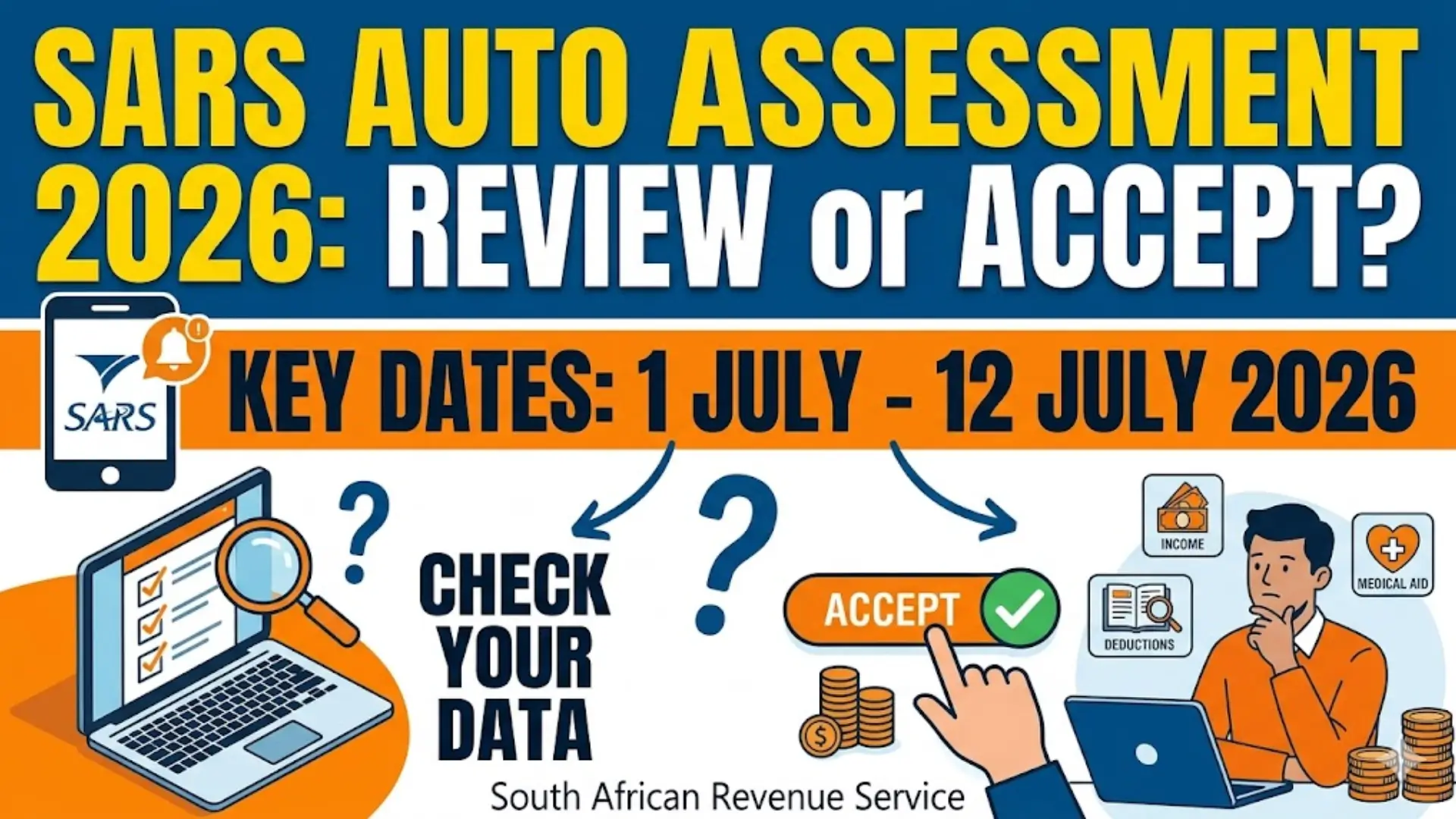
The SARS Auto Assessment Filing Period 2026 runs from 1 July 2026 to 12 July 2026. During this period, the South African Revenue Service (SARS) automatically prepares tax assessments for eligible taxpayers using information received from employers, financial institutions, medical schemes, and other third parties.
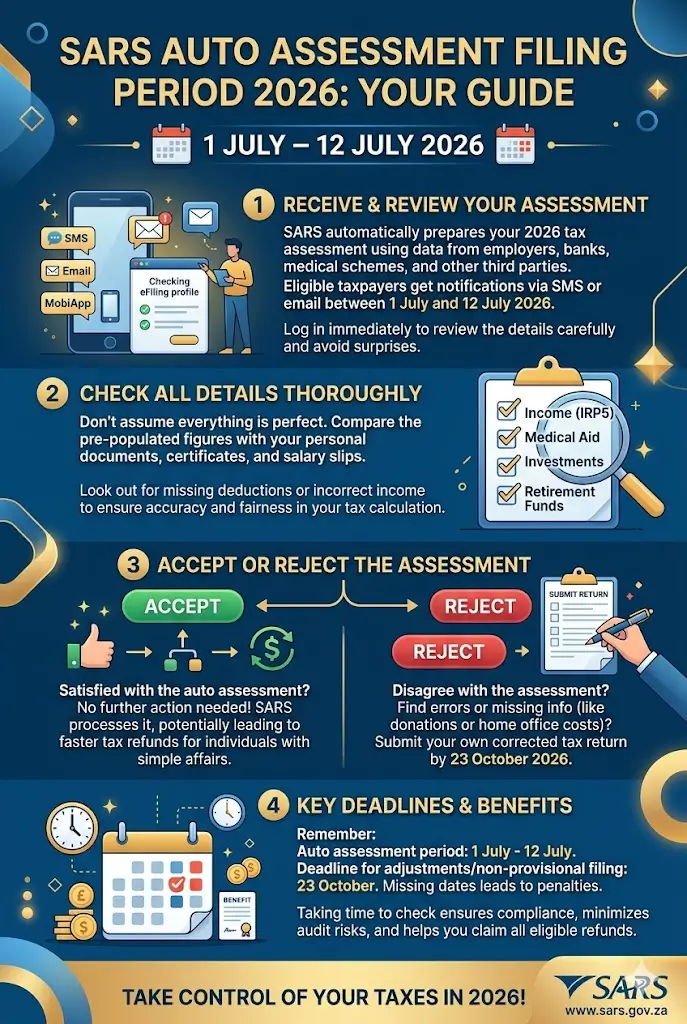
The purpose of auto assessment is to simplify tax filing for individuals with straightforward tax affairs. Instead of manually completing a tax return, taxpayers receive a pre-populated assessment that they can review, accept, or reject if necessary.
Auto Assessment Filing Period 2026 Dates
Understanding the key deadlines is essential to avoid penalties or missed opportunities to correct your tax information.
| Filing Category | Dates |
|---|---|
| Auto Assessment Period | 1 July – 12 July 2026 |
| Non-Provisional Taxpayers | 13 July – 23 October 2026 |
| Provisional Taxpayers and Trusts | 13 July 2026 – 22 January 2027 |
These dates provide taxpayers with enough time to review their information and make corrections if required.
You can also read: Sars Auto Assessment 2026 Dates South Africa
How to Check Your Auto Assessment for 2026
SARS notifies eligible taxpayers through SMS, email, or the SARS eFiling platform when an auto assessment has been issued. Once notified, taxpayers should immediately review the assessment to ensure all information is accurate.
You can access your assessment through SARS eFiling or the SARS MobiApp. After logging in, navigate to your tax profile and open the issued assessment to review the details provided by SARS.
Step-by-Step Process to Review Your Auto Assessment
Before accepting an assessment, take a few minutes to verify all information carefully.
Follow These Steps:
- Log in to SARS eFiling or the SARS MobiApp.
- Open your 2026 auto assessment.
- Review income information provided by your employer.
- Verify medical aid contributions and tax certificates.
- Check investment income and interest earnings.
- Confirm retirement fund contributions.
- Review all deductions and rebates.
- Compare the information with your personal records.
- Decide whether to accept or reject the assessment.
A careful review can help prevent overpaying taxes or missing valuable deductions.
What Information Should You Verify?
Many taxpayers assume SARS receives every piece of financial information automatically. However, some deductions or tax credits may not be included.
Pay special attention to:
- Donations made to approved Public Benefit Organizations (PBOs)
- Home office expenses where applicable
- Retirement annuity contributions
- Medical expenses not covered by medical aid
- Additional income sources
- Travel allowances and business expenses
- Interest and investment income
Missing information can affect your final tax calculation and potentially increase your refund.
Accepting Your Auto Assessment
If all information is correct and you are satisfied with the outcome, no further action is required. SARS will process the assessment according to the information already submitted.
Many taxpayers with simple income structures can safely accept their assessment after verifying the details. However, acceptance should only happen after a thorough review of all reported information.
You can also read: SRD Identity Verification 2026 Common Problems
When Should You Reject an Auto Assessment?
You should reject an auto assessment if you notice missing income, incorrect deductions, or any errors that could impact your tax liability.
Common reasons to reject an assessment include:
- Missing deductible expenses
- Incorrect salary information
- Unreported additional income
- Missing retirement contributions
- Incorrect medical aid details
- Home office expense claims not included
- Donation deductions omitted
Taxpayers who disagree with the assessment have until 23 October 2026 to submit their own return or request an adjustment.
Important Filing Season Deadlines
Even if you receive an auto assessment, it is important to understand the broader tax filing calendar.
Key Deadlines
- Auto Assessment Period: 1 July – 12 July 2026
- Correction Deadline: 23 October 2026
- Standard Filing Season Ends: 23 October 2026
- Provisional Taxpayer Filing Deadline: 22 January 2027
Missing these deadlines may result in penalties, interest charges, or delayed refunds.
Common Mistakes to Avoid
Many taxpayers make simple errors that can create unnecessary tax issues.
Avoid These Mistakes:
- Accepting the assessment without reviewing it
- Ignoring SARS notifications
- Forgetting to claim eligible deductions
- Using outdated supporting documents
- Missing correction deadlines
- Failing to report additional income
- Assuming third-party information is always complete
A few minutes of review can save significant time and money later.
Benefits of Checking Your Auto Assessment Carefully
A proper review helps ensure your tax affairs remain accurate and compliant with SARS requirements. It also reduces the risk of future audits, disputes, or reassessments.
Careful verification can help taxpayers maximize refunds, claim all eligible deductions, and avoid paying more tax than necessary. It is one of the most important steps during filing season.
You can also read: SRD Sassa Gov Za SC19 Application
Frequently Asked Questions
How do I know if I received an auto assessment?
SARS will notify you through SMS, email, or your SARS eFiling profile if you qualify for an auto assessment.
Can I change my auto assessment after receiving it?
Yes. If you disagree with the assessment, you can submit your own tax return or request a correction before the applicable deadline.
What happens if I do nothing?
If you agree with the assessment and no corrections are needed, no further action is required. SARS will process the assessment automatically.
Can I still claim deductions?
Yes. If eligible deductions were not included, you can reject the assessment and submit a corrected tax return with supporting documentation.
Conclusion
The Auto Assessment Filing Period 2026 gives eligible South African taxpayers a faster and simpler way to complete their tax obligations. Running from 1 July to 12 July 2026, the system allows SARS to pre-populate tax information and issue assessments automatically.
However, convenience should never replace careful review. Before accepting an auto assessment, verify your income, deductions, medical contributions, retirement savings, and any additional tax claims. If errors or missing information exist, you have until 23 October 2026 to correct the assessment. Taking the time to check your auto assessment properly can help you avoid costly mistakes, maximize tax benefits, and ensure full compliance with SARS requirements.