Change SRD Phone Number and Enter Your Number Information Securely
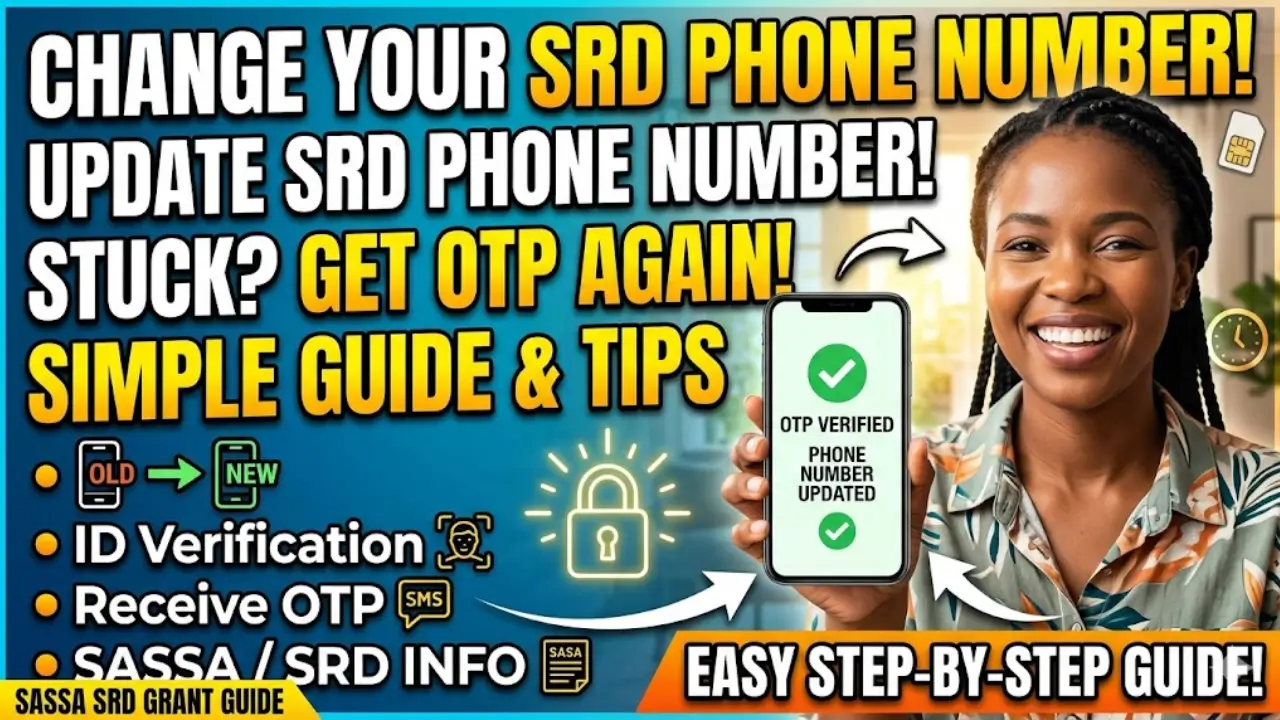
Changing your SRD phone number is an important step if you’ve lost your SIM, switched networks, or entered the wrong number during registration. Your phone number is directly linked to OTP (One-Time Password) verification, which is required for appeals and secure updates. If your number is outdated, you may get stuck and unable to proceed.
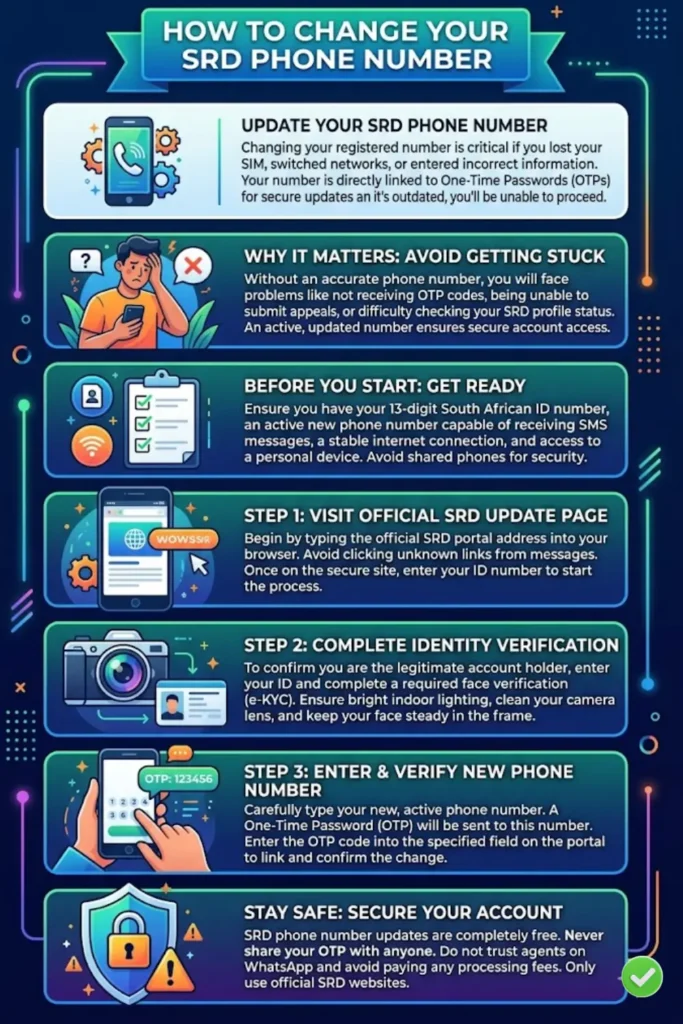
This guide explains everything in a simple, step-by-step way so you can update your number safely and without confusion. Follow each section carefully to avoid delays or errors.
Why Changing Your SRD Phone Number Is Important
Your SRD phone number is more than just a contact detail it is your access point for secure actions. Every time you perform sensitive activities like appeals or updates, an OTP is sent to your registered number.
If your number is incorrect or inactive, you will face problems such as:
- Not receiving OTP codes
- Being unable to submit appeals
- Difficulty checking or updating your SRD profile
- Risk of losing account access
Updating your number ensures your account remains secure and accessible. It also helps avoid delays in completing important processes.
You can also read: Sassa Grant Payment Dates for July 2026
Common Reasons to Update Your Phone Number
There are several situations where changing your SRD phone number becomes necessary. These are common issues many users face.
- Lost or stolen phone/SIM card
- Switched to a new mobile network
- Entered the wrong number during registration
- SIM card is inactive or blocked
- Shared number is no longer accessible
In all these cases, updating your number quickly helps restore full access to your SRD account. Make sure your new number is active and able to receive SMS messages before starting the process.
What You Need Before Updating Your Number
Before you begin, it’s important to prepare everything required. This helps avoid interruptions during the process.
- A working new phone number (active SIM)
- Your 13-digit South African ID number
- Stable internet connection (mobile data recommended if Wi-Fi is weak)
- Access to your personal device (avoid public/shared phones)
Preparation is key. If your connection drops or your SIM cannot receive messages, the process may fail and require you to restart.
Step-by-Step Guide to Change Your SRD Phone Number
Updating your SRD phone number is simple if you follow the correct steps in order.
Step 1: Open the Official SRD Update Page
Start by visiting the official SRD mobile number update page. Always type the website address yourself to avoid scams.
- Use only the official SRD portal
- Avoid clicking unknown links from messages
- Ensure the website is secure
Once the page opens, enter your ID number and proceed.
Step 2: Complete Identity Verification
Identity verification is a required step before you can change your number. This process confirms that you are the real account holder.
You may need to:
- Enter your ID number
- Select the reason for updating your number
- Complete a face verification process (e-KYC)
Make sure:
- Your face is clearly visible
- Lighting is good (not too bright or too dark)
- You follow on-screen instructions carefully
If the system fails to verify your identity, do not panic. Try again later with better conditions.
Step 3: Enter and Verify Your New Phone Number
After successful verification, you can enter your new phone number.
- Type your new number correctly
- Double-check before submitting
- Wait for an OTP on your new SIM
Enter the OTP to confirm the update. Once verified, your new number will be linked to your SRD account.
You can also read: SASSA Identity Verification Fixed
Identity Verification Issues and Solutions
Many users get stuck during identity verification. This is one of the most common problems, but it can be fixed easily.
Common Errors
- “Verification Interrupted” message
- System not recognizing your face
- Temporary block after multiple attempts
Tips to Improve Success
- Use bright indoor lighting
- Clean your camera lens
- Keep your face steady and centered
- Avoid rushing through steps
- Use mobile data instead of unstable Wi-Fi
If you are blocked, wait for some time before trying again. Too many quick attempts can trigger temporary restrictions.
What Happens After Updating Your Phone Number
Once your number is updated, your account will start using the new number for all communications.
- All OTPs will be sent to your new number
- You can check SRD status using the updated number
- Appeals and secure actions will work normally
Allow some time for the system to sync your changes. If something doesn’t work immediately, wait a bit before retrying.
If the Online Update Fails
Sometimes the online method may not work due to technical or verification issues. In such cases, you can use alternative support.
- Contact the official SASSA call centre
- Keep your ID number ready
- Provide both old and new phone numbers
The support team can guide you through the process or help resolve issues that cannot be fixed online.
Safety Tips to Avoid Scams
Scams are common when it comes to SRD updates. Always stay alert and protect your information.
- SRD updates are completely free
- Never share your OTP with anyone
- Do not trust agents on WhatsApp
- Avoid paying “processing fees”
- Use only official SRD websites
Your OTP is private. Sharing it can give others access to your account.
You can also read: 2026 Tax Filing Season In South Africa
Quick Summary Table
| Step | Action | Key Tip |
|---|---|---|
| 1 | Open SRD update page | Use official website only |
| 2 | Verify identity | Ensure good lighting and stable internet |
| 3 | Enter new number | Double-check before submitting |
| 4 | Confirm OTP | Keep your SIM active |
| 5 | Wait for update | Allow system time to sync |
Frequently Asked Questions (FAQs)
Conclusion
Changing your SRD phone number is a simple but important task. It ensures you can receive OTPs, complete appeals, and manage your account without issues. Follow the steps carefully, avoid rushing, and always use official channels.
If something goes wrong, don’t panic most issues can be fixed by retrying or contacting support. Stay patient, stay secure, and keep your information protected.